On-board Controls
This section describes every physical control built into the Controller Deck. Each group of controls reports its state to the host as USB MIDI events, detailed in MIDI Protocol.
Faders row
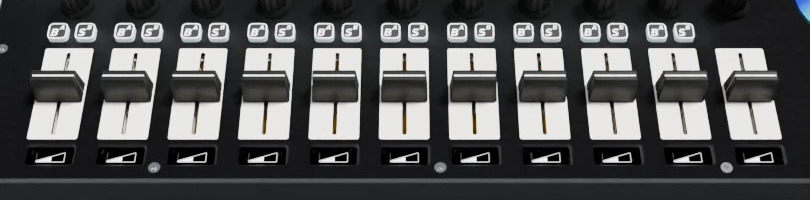
11 linear faders, typically used as 10 channel faders plus 1 master channel fader. Each fader has its own small screen below it, which can be used to display a custom icon or label for the fader.
Quantity |
11 |
Typical usage |
10 channels + 1 master channel |
MIDI mapping |
see MIDI Protocol |
Screen label update |
see Icons Protocol |
Knobs row
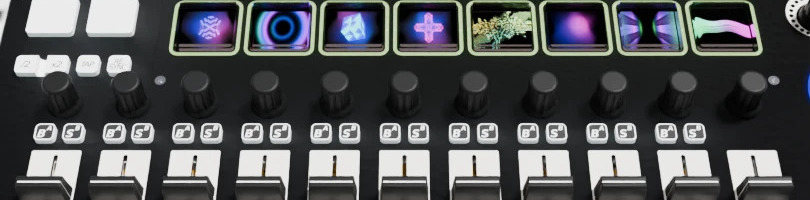
11 rotary knobs, one per fader/channel. When turned, the knob level is reported on the small screen below the fader.
Quantity |
11 |
Type |
Endless rotary potentiometer |
MIDI mapping |
see MIDI Protocol |
A/B - B/S Buttons row
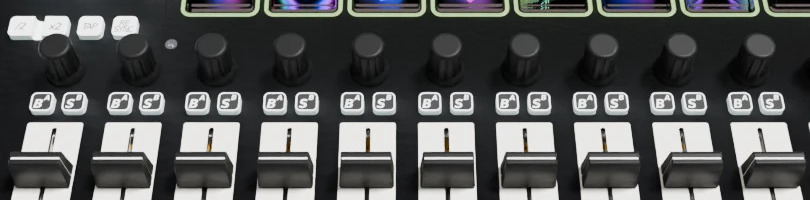
10 pairs of buttons, configurable as A/B or B/S (Bank/Solo) function buttons, each with an individually addressable RGB backlight.
Quantity |
10 pairs (20 buttons) |
Backlight |
RGB, individually addressable |
MIDI mapping |
see MIDI Protocol |
LED color reference |
RGB Knobs array
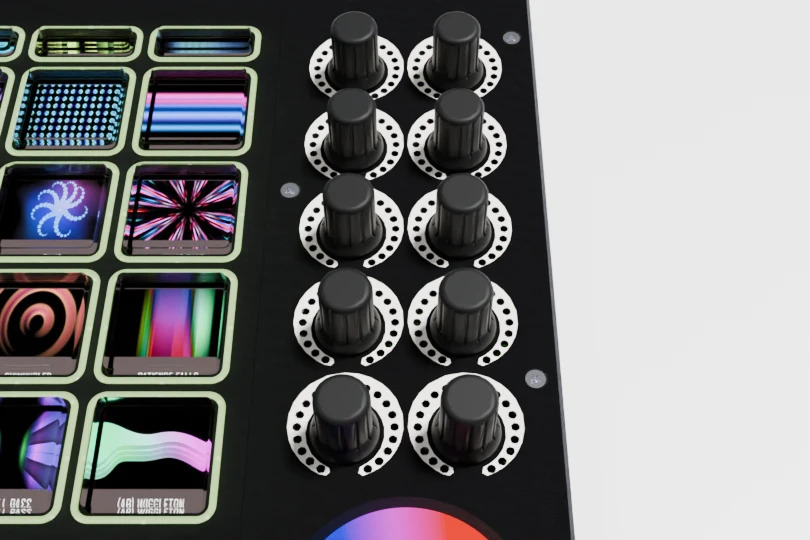
10 rotary knobs, organised in a 5 rows x 2 columns array, each surrounded by an RGB LED ring used as a visual position/state indicator.
Quantity |
10 (5 rows x 2 columns) |
Indicator |
RGB LED ring |
MIDI mapping |
see MIDI Protocol |
LED color reference |
Pad Buttons array
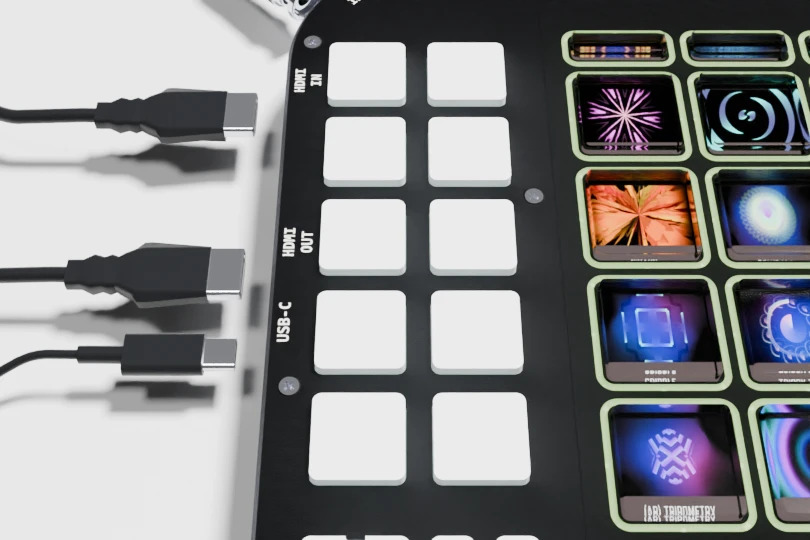
10 backlit pad buttons, organised in a 5 rows x 2 columns array, with individually addressable RGB backlight, typically used to trigger clips, samples or scenes.
Quantity |
10 (5 rows x 2 columns) |
Backlight |
RGB, individually addressable |
MIDI mapping |
see MIDI Protocol |
LED color reference |
Control Buttons
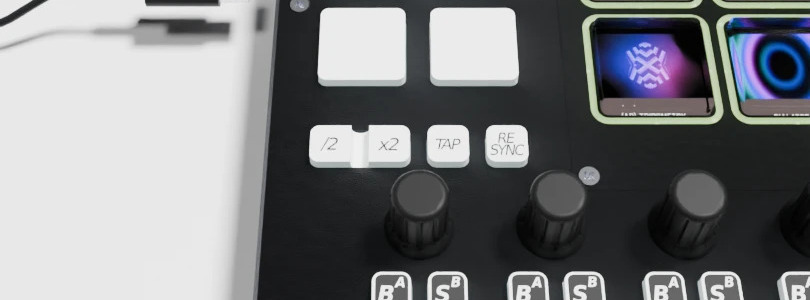
4 dedicated utility buttons with RGB backlight:
x2 – double the current tempo/rate.
/2 – halve the current tempo/rate.
TAP – tap tempo.
RESYNC – force a resynchronization.
Quantity |
4 |
Backlight |
RGB, individually addressable |
MIDI mapping |
see MIDI Protocol |
LED color reference |
Round Touchscreens
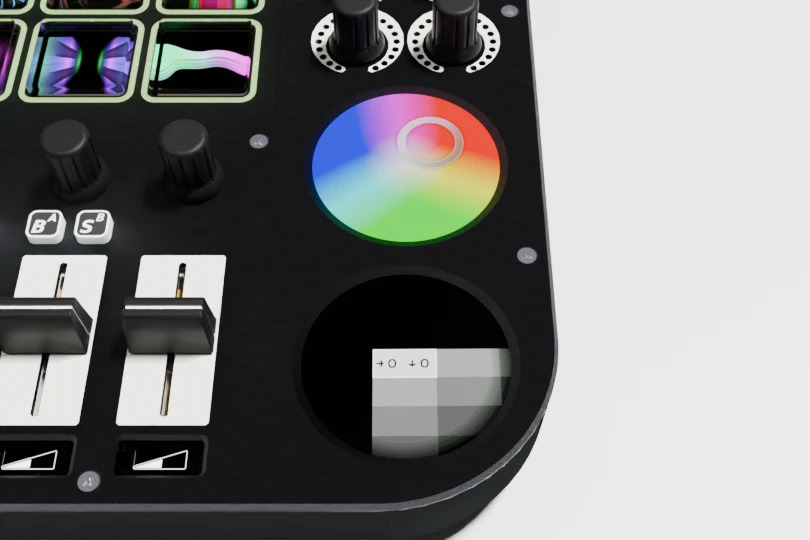
2 round touchscreens that can be assigned to special interactive widgets, such as a crossfader or a color picker, configurable through MIDI SysEx messages.
Quantity |
2 |
Shape |
Round |
Example widgets |
Crossfader, color picker, TouchDeck grid pager, X/Y axis controller. |
Configuration |
MIDI SysEx, see MIDI Protocol |